

I recently took ‘ab Advanced Visualiser HOA Pro’ to an immersive dome in the middle of the Costa Rican rainforest, and used it to drive real-time graphics from a live Ambisonic soundfield. If you work with Ambisonics, immersive audio, or audio-reactive visuals, here's what we built and how you can try it yourself.
A dome in the jungle
The venue is a hotel deep in the rainforest, a three- to four-hour drive from San José. What makes it unique is its own immersive dome, built for 180° video and a custom sound system.
16 speakers: some at ear level, some elevated, plus a single "voice of God" speaker directly overhead.
Subwoofer and transducer floor: the floor is fitted with transducers, so you feel the music through your feet, or through your whole body if you lie down.
180° projection: projectors map whatever is on the video feed across the dome ceiling.
The dome is run from a studio next door by a small team, including Jeff and Carola.
First attempt: fractals
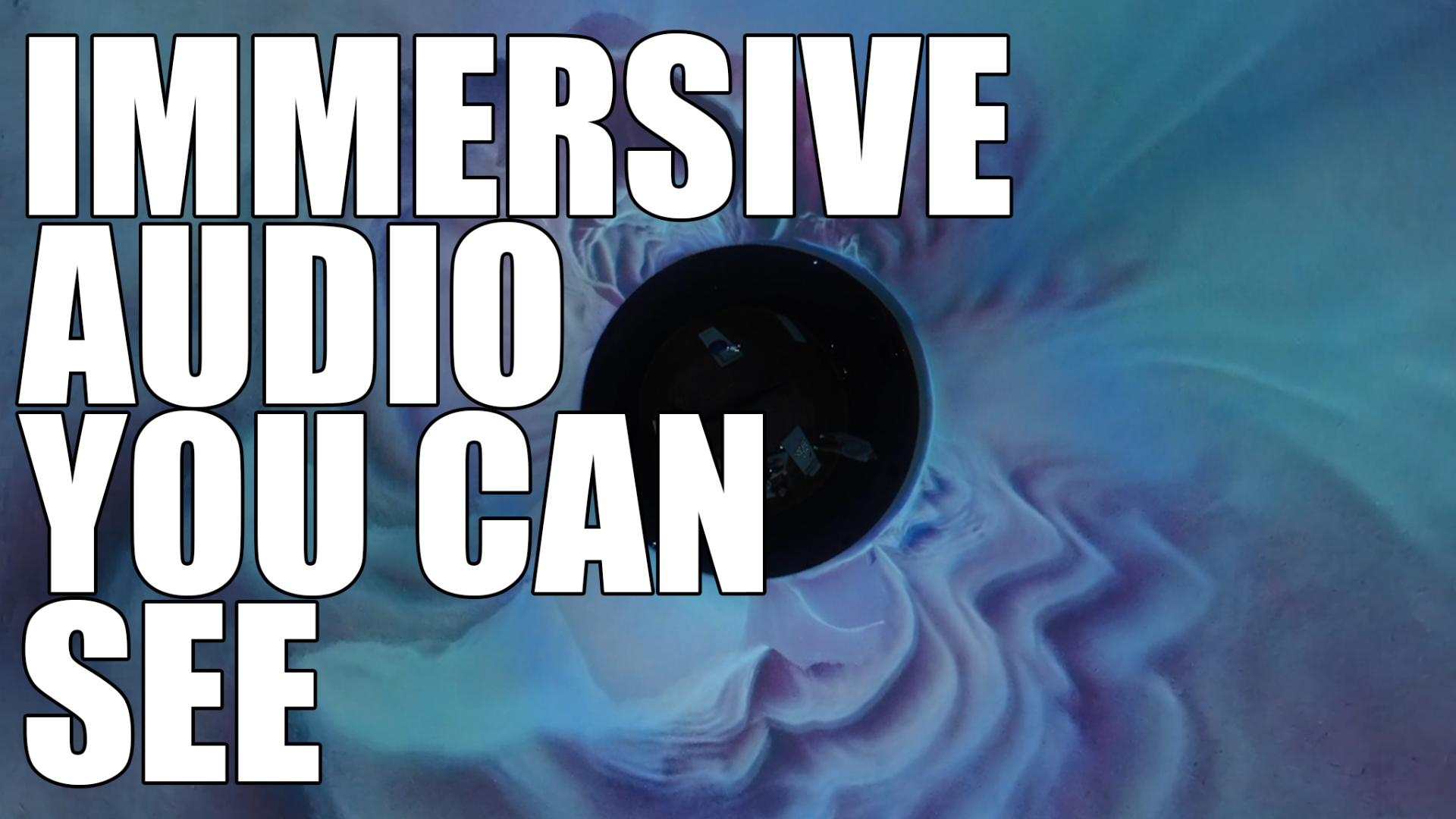
The goal was to visualise the music using the OSC messages that ab Advanced Visualiser HOA Pro sends out. Our first try was a TouchDesigner project that received those OSC messages and used them to deform fractal graphics.
It worked, but I wasn't happy with the results. So I spent a couple of nights building something more experimental: a graphics engine that would work in this dome, but also standalone on any 180° above-ear-level projection.
Testing it in the dome
On test day we played a Dolby Atmos mix from Apple Music through the dome's speaker system. The signal chain:
A SpaceMic in the centre of the dome captured the Atmos playback as a fifth-order Ambisonic recording.
My laptop ran ‘ab Advanced Visualiser HOA Pro’, analysing that signal and generating OSC messages.
A second laptop received the OSC and rendered the graphics onto the dome.
I could have fed an Ambisonic mix straight from my computer into the graphics engine. I chose the SpaceMic so the visuals would respond not just to the mix, but to how it actually behaved in the dome's acoustics.
How the graphics engine works
The engine runs in TouchDesigner and listens for OSC messages, which ‘ab Advanced Visualiser HOA Pro’ generates and sends. Connecting the two is just a matter of entering the graphics machine's IP in the plugin's OSC window; as soon as it's set, the visuals come to life.
Spatial mapping. Because it was built for a hemispherical dome, the engine maps only the upper half of the soundfield. The centre of the image is the zenith (90° elevation) and the edges are ear level, like looking at the dome screen from above - although this could be modified to have the graphics do different types of projections (16:9, 360, etc).
Mono source. Panning a single encoded source around the soundfield shows clearly how the visuals track position in space.
Real Ambisonic recordings. Switching from the encoder to the upscaler and playing back a native Ambisonic recording gives far richer results, even with the default preset.
Presets. You can create, save and switch presets, with a configurable transition time so changes morph gradually instead of cutting. That makes it well suited to live performance. Settings pages cover modulation, fluid, audio and more, and presets are saved as JSON so you can share them with other people or other machines.
Try it yourself
The TouchDesigner patch is available for free on the link below. Run it across two machines, or on a single machine by pointing the plugin's OSC output to 127.0.0.1.
You need TouchDesigner to run the project above.